fbpx

Video preview

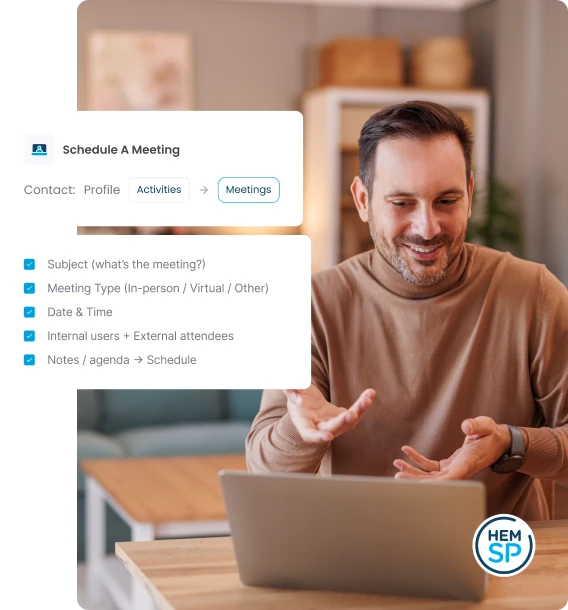
1. Accessing Meetings for a Contact

Meetings are accessed from within an individual contact record.

  1. From the main menu, open Contacts and locate the required contact record.
  2. Open the contact record.
  3. In the contact record, select Activities.
  4. Open the Meetings tab.
Scheduling a Meeting

2. Scheduling a Meeting

Use Add Meeting to schedule a new meeting for the selected contact.

  1. On the Meetings tab, click Schedule Meeting.
  2. Enter the meeting subject
  3. Select the Meeting Type (for example, in-person meeting, virtual meeting, or other types available).
  4. Set the meeting Date and Time.
  5. Select the internal users that you would like to attend the meeting.
  6. Invite additional external attendees.
  7. Add Notes or agenda details in the description box
  8. Click schedule meeting.

3. Managing Existing Meetings

Meetings can be managed through the Actions menu for each meeting.

  1. In the Meetings list, locate the required meeting.
  2. Open the Actions menu.
  3. Select the required action: View, Edit or Delete.
Meetings06

5. Meetings Calendar

After a meeting occurs, you can check the main calendar and browser through its multiple views.

  1. Click on the top hamburger menu
  2. Click on the calendar menu
  3. Add meeting from the calendar using the top Actions button

Frequently Asked Questions.

We’ve Built The Entire Service Stack With Your Growth In Focus

Get Started With Your Student Portal Demo

Fill out this form to learn more on how HEM can help you achieve your recruitment goals!